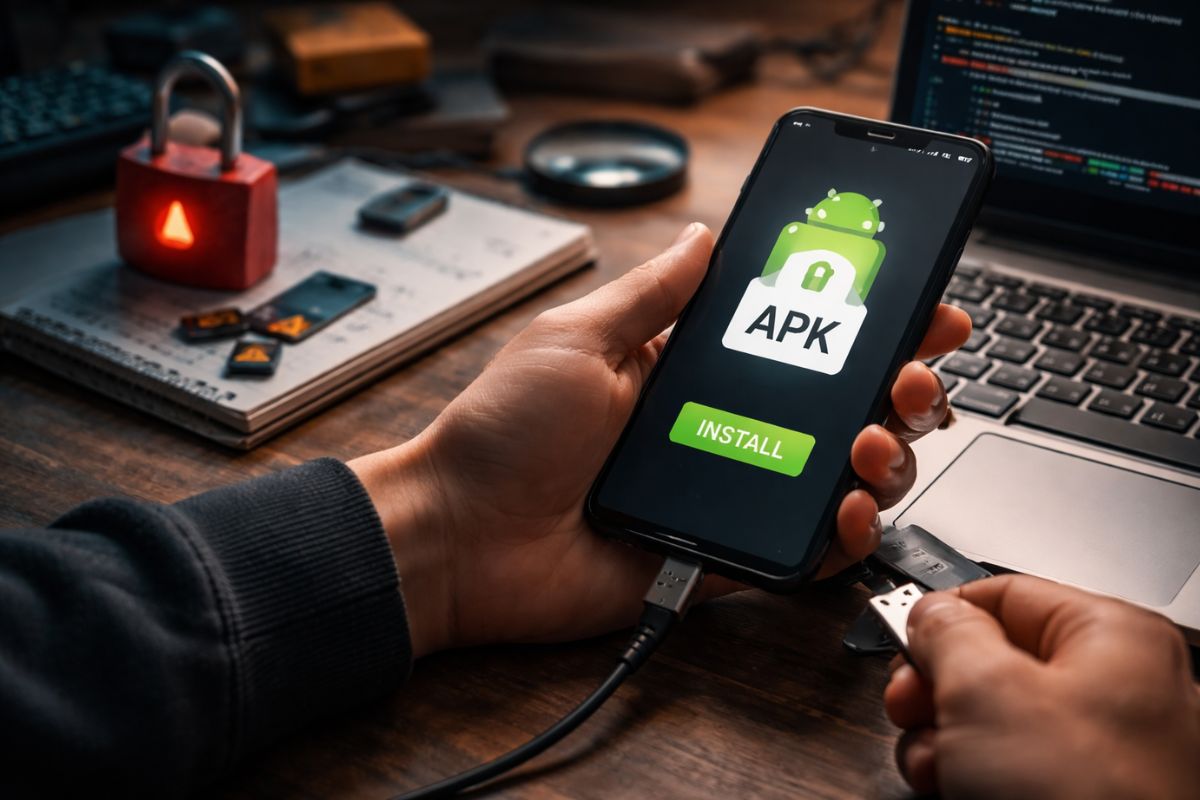
Android in 2026 gives users more freedom than any other mainstream mobile platform. You can install apps from the Play Store in seconds. You can also install raw apk files directly onto your device. That freedom feels empowering. It also shifts responsibility onto you.
At netwindows.org, we often track how platform design choices influence performance, privacy, and security. App distribution is no exception. Choosing between Play Store installs and APK sideloading is not just a technical preference. It is a risk calculation. It affects update integrity, malware exposure, and long term device stability.
Quick Summary
- Play Store offers automated scanning, update management, and account level oversight.
- APK sideloading gives flexibility but increases responsibility for verification.
- Security risks center on tampered files, fake updates, and permission abuse.
- Safe sideloading requires signature checks, trusted sources, and update discipline.
Why APK Sideloading Still Exists in 2026
If the Play Store handles distribution so smoothly, why do APK downloads still matter? The answer lies in control and availability. Developers may distribute beta builds privately. Enterprises deploy internal apps without public listings. Some regions face store restrictions or delayed rollouts.
Android’s open architecture allows manual installation by design. That openness helped the platform grow. It also created an ecosystem where users can test builds early, downgrade versions, or install apps not published on Google’s storefront. Those benefits are real. They just come with friction.
Security becomes your job the moment you tap Install from unknown sources. The operating system warns you for a reason. It is stepping out of its managed environment.
Play Store Protections Explained
Google Play relies on layered defenses. Automated scanning screens submissions for malicious code. Behavior analysis runs post release. App signing keys tie releases to verified developer accounts. Updates are pushed through a controlled channel.
This ecosystem resembles principles discussed in browser security advances, where sandboxing and permission boundaries reduce attack surfaces. The Play Store model centralizes oversight. That reduces the chance of modified binaries spreading widely.
Play Protect also runs on devices. It scans installed apps for known threats. If a malicious build slips through, Google can remotely disable or remove it. That safety net disappears with most sideloaded packages.
What Really Happens During APK Sideloading
An APK is a compiled Android application package. It contains bytecode, resources, and a manifest declaring permissions. When you sideload, Android verifies the file structure and cryptographic signature. If the signature matches an existing installed version, updates proceed. If it differs, the system blocks overwrite attempts unless the app is removed first.
That mechanism prevents trivial hijacking. It does not prevent you from installing a malicious app that uses a new package name or tricked branding. Users often assume that because the install dialog appears legitimate, the source must be safe. That assumption is flawed.
Core Security Tradeoffs
Let us break down the real differences. Not marketing claims. Not fear tactics. Practical tradeoffs that affect everyday users.
1. Centralized vetting versus personal verification.
The Play Store filters submissions before distribution. With sideloading, you verify the file yourself. That means checking hashes, signatures, and source credibility.
2. Automatic updates versus manual tracking.
Store apps update quietly in the background. Sideloaded apps require you to monitor new releases. Outdated builds create security gaps.
3. Account linked identity versus anonymous files.
Play listings tie apps to developer identities. An APK downloaded from a random page might not offer any traceable origin.
Risk Comparison Table
| Factor | Play Store | APK Sideloading |
|---|---|---|
| Malware Screening | Automated + continuous | Depends on source |
| Update Management | Automatic | Manual |
| Version Control | Latest stable | User selected |
| Attack Surface | Lower | Higher if careless |
Common Threat Scenarios
Malicious actors rarely announce themselves. They mimic branding. They copy icons. They tweak package names subtly. A fake messaging app may request SMS access and contact permissions. A tampered game might inject adware libraries.
Some APK files are modified versions of legitimate apps. The attacker repackages the original code with embedded spyware. Without signature comparison, the user cannot easily detect manipulation.
Understanding how permissions operate is easier if you already follow practices described in secure game authentication, where identity verification and token control reduce misuse. The same mindset applies here. Limit exposure. Validate trust boundaries.
For technical background on Android’s package structure and signing process, the documentation on Android application package outlines how manifests and certificates function. That structure exists to prevent silent tampering, yet it cannot compensate for reckless downloads.
When Sideloading Makes Sense
APK installation is not inherently reckless. It is context dependent. Developers test pre release builds internally. Enterprises deploy secure business tools through managed device policies. Researchers analyze app behavior in sandbox environments.
In these cases, sideloading is controlled. Files come from trusted pipelines. Checksums are verified. Devices are often isolated from sensitive accounts. The risk model changes because the process is disciplined.
- Private beta testing before public release.
- Enterprise distribution outside public stores.
- Accessing region locked builds with verified hashes.
- Rolling back to stable versions for compatibility testing.
Safety Checklist for Responsible Users
You do not need to abandon sideloading entirely. You need a structured approach. Treat APK installation as a security event.
1. Verify the file hash against the developer’s official listing.
2. Confirm the digital signature matches previous trusted releases.
3. Review permissions before installation and after updates.
4. Disable unknown source permission once installation completes.
5. Keep the device operating system updated with security patches.
Short steps. High impact. Most infections happen because users skip even one of them.
The Psychology Behind Risky Downloads
Curiosity drives many sideloading decisions. Early access builds promise new features. Modified apps claim unlocked functionality. Free versions appear tempting.
Attackers exploit urgency. Limited time beta invites. Fake update warnings. Scarcity messaging pushes users into fast decisions. Slowing down reduces exposure dramatically.
Security is rarely about advanced cryptography in daily life. It is about patience. It is about verifying small details before tapping Install.
Performance and Stability Considerations
Security is not the only tradeoff. Stability matters. Store distributed apps are tested against compatibility requirements. Device fragmentation still exists, but Play certification enforces baseline behavior.
Sideloaded builds may bypass optimization checks. They can drain the battery. They can crash repeatedly. They can conflict with system services. These issues are not always malicious. They are often just unvetted.
Android’s flexibility allows experimentation. That flexibility also allows instability. The more freedom you use, the more troubleshooting responsibility you inherit.
Choosing Your Risk Profile
The real question is not whether APK sideloading is good or bad. The question is how much oversight you want from the platform versus how much autonomy you want yourself.
Casual users benefit from Play Store guardrails. Power users may accept higher responsibility in exchange for flexibility. Both paths can be safe. Both can be dangerous if mismanaged.
Android gives you the tools. It does not force discipline. That difference defines the tradeoff.
Freedom With Accountability
APK sideloading represents Android’s open philosophy in its purest form. It empowers developers, researchers, and advanced users. It also removes centralized safety layers.
The smartest approach in 2026 is not blind trust in the Play Store. It is not reckless downloading from unknown pages either. It is informed decision making backed by verification habits.
Install deliberately. Update consistently. Validate sources carefully. The operating system provides warnings for a reason. Treat them as guidance, not obstacles.
Freedom is powerful. Accountability keeps it safe.
No Responses