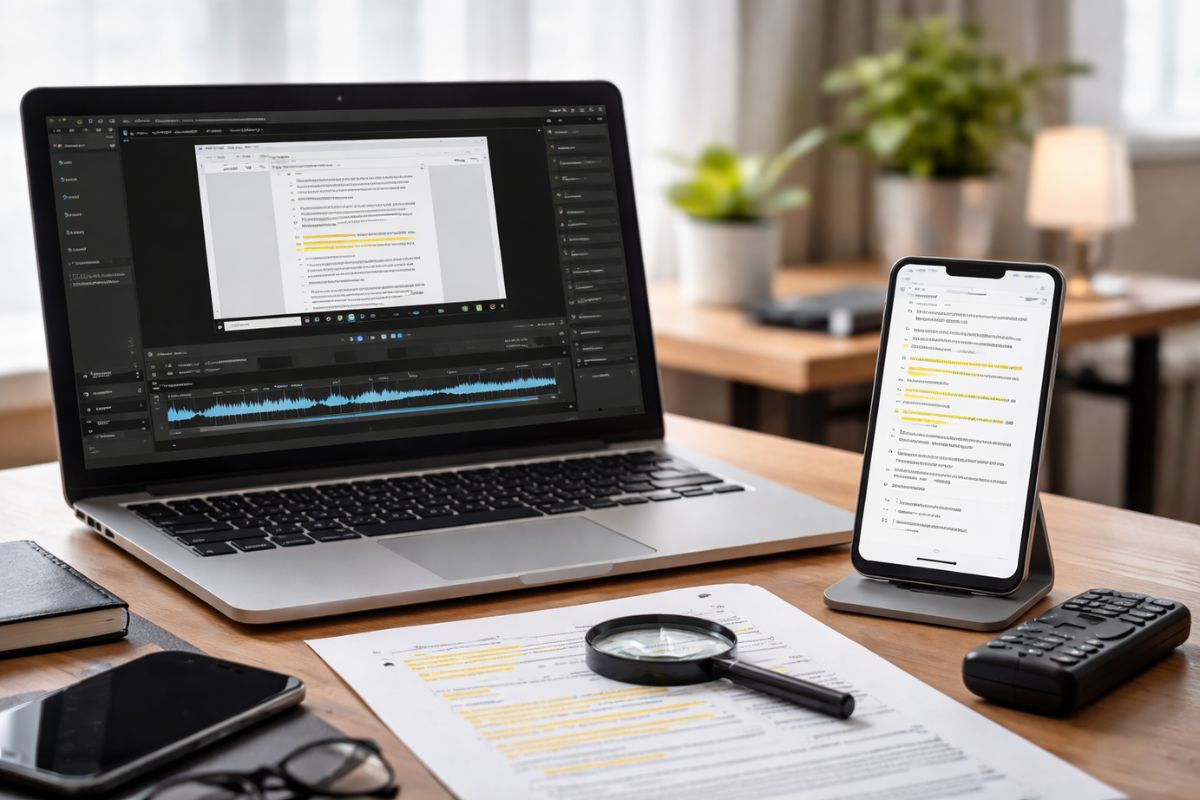
Windows users produce screen recordings constantly. Developers capture debugging sessions. Educators record tutorials. Designers document workflows. These recordings hold valuable information, yet most remain trapped inside video files where searching for a specific explanation becomes difficult. A five minute clip might contain a useful instruction, but locating that moment requires watching the entire recording again.
Turning those recordings into searchable text changes the experience completely. Speech inside the video becomes written content that can be scanned, indexed, and referenced later. A developer reviewing a recorded debugging session can quickly locate a command mentioned in minute two. A student revisiting a coding tutorial can jump directly to the explanation of a function. Accessibility also improves because transcripts make spoken information available to more readers.
One practical approach is to extract audio from the recording and transcribe audio to SRT. Subtitle files convert spoken dialogue into timestamped text. Each line corresponds to a moment in the video, which makes navigation simple and precise. Instead of scrolling randomly through footage, readers can search within the transcript and immediately locate the relevant segment.
Quick Summary
- Windows screen recordings often contain valuable information that becomes difficult to locate later.
- Automated transcription converts spoken words in recordings into searchable text.
- Subtitle formats such as SRT allow timestamps that align transcripts with video playback.
- Searchable transcripts improve accessibility, documentation, and technical learning.
- Developers and educators benefit from faster navigation inside recorded tutorials.
Why Screen Recording Transcripts Matter for Developers and Creators
Screen recordings often serve as informal documentation. A developer might record a debugging session while investigating a performance issue. A tutorial creator might capture the process of configuring a web server. These recordings become references for future work, yet their usefulness declines if finding specific information requires manual viewing.
Searchable transcripts restore structure. Each spoken instruction becomes a line of text that can be indexed by search engines or internal documentation systems. A team member reviewing a recorded sprint meeting can quickly locate the moment a configuration change was discussed. Engineers reviewing time based application events may already understand how unix timestamp basics align logs with recorded demonstrations, which makes timestamped transcripts even more practical.
This approach also benefits tutorial creators who publish educational videos. Many viewers prefer reading sections before watching the full clip. A transcript allows them to preview instructions or copy commands directly. That convenience encourages deeper engagement with technical material.
How Windows Screen Recordings Become Searchable Documents
The process is straightforward. Screen recordings typically contain both video and audio streams. The video displays actions on screen, while the audio contains narration or commentary. Automated transcription tools analyze the spoken audio and convert it into text using speech recognition models.
After transcription, the output can be stored as plain text, captions, or subtitle files. Each format serves a slightly different purpose. Plain text works well for documentation. Subtitle formats align words with timestamps so the transcript synchronizes with the recording. This synchronization is useful when reviewing development tutorials or debugging demonstrations.
Video playback platforms often support caption files directly. Developers who host tutorials on documentation portals can attach subtitle files to videos. Readers can then scan the captions and jump to specific timestamps within the recording. That workflow dramatically improves how recorded technical knowledge is reused.
Key Advantages of Searchable Screen Recording Transcripts
Turning recordings into searchable text provides several technical and practical advantages. Developers, educators, and content creators benefit in different ways depending on how recordings are used in their workflow.
1. Faster navigation inside tutorials. Searching a transcript allows viewers to jump directly to relevant instructions without replaying the entire video.
2. Improved documentation quality. Spoken explanations during development sessions often contain insights that never reach written guides. Transcripts capture those insights automatically.
3. Better accessibility for diverse audiences. Text alternatives help readers who prefer written instructions or who cannot rely on audio playback.
4. Indexable content for search engines. Text transcripts can be indexed by search systems, making tutorials easier to discover.
5. Efficient collaboration among developers. Teams reviewing recorded sprint meetings or debugging sessions can reference exact statements quickly.
Common Windows Recording Tools That Produce Transcription Friendly Video
Several Windows utilities generate recordings that work well with transcription workflows. Each tool captures audio clearly, which is important for accurate speech recognition.
| Recording Tool | Primary Use | Transcription Benefits |
|---|---|---|
| Xbox Game Bar | Quick screen capture for demos | Produces clean MP4 recordings with clear audio tracks |
| OBS Studio | Professional tutorial recordings | Supports high quality audio sources for accurate speech recognition |
| PowerPoint Recorder | Educational presentations | Slides combined with narration produce structured transcripts |
| Clipchamp | Basic video editing and capture | Exports audio clearly for transcription workflows |
Turning Recorded Tutorials Into Structured Learning Resources
Technical tutorials often begin as screen recordings. A developer records the process of configuring a server or writing a function. Later that recording became a reference for other developers. Without transcripts, these videos remain difficult to scan or quote.
Searchable text solves that limitation. A transcript allows tutorial creators to extract important explanations from their recordings and convert them into structured guides. Key instructions can be converted into written steps while the video remains available for visual reference.
Many documentation teams combine transcripts with code snippets and diagrams. This hybrid format helps readers move quickly between reading and watching. Developers learning performance optimization techniques may already analyze browser behavior using insights from JavaScript engine analysis, and recorded demonstrations with transcripts provide an additional learning layer.
Best Practices for Accurate Video Transcription
High quality transcripts depend on clear audio and careful preparation. Speech recognition systems perform best when narration is recorded clearly and background noise remains minimal. Even small improvements during recording can increase transcription accuracy significantly.
- Use a dedicated microphone rather than relying on laptop audio input.
- Speak clearly and maintain consistent pacing during explanations.
- Reduce background noise from fans or keyboard clicks.
- Organize recordings into shorter segments rather than long sessions.
- Review transcripts briefly to correct specialized terminology.
Subtitle Files Turn Recordings Into Navigable Knowledge
Subtitle formats play an important role in the transformation from video to searchable documentation. Subtitle files store both text and timestamps. Each entry represents a specific moment during playback, which allows media players to display captions precisely when the spoken phrase occurs.
This format offers advantages beyond accessibility. Developers reviewing long debugging recordings can search within the subtitle file to locate commands, function names, or configuration parameters mentioned during the recording. Clicking the corresponding timestamp jumps directly to that point in the video.
Subtitle files also integrate easily with web players. Many documentation portals support caption tracks automatically. When combined with video tutorials, transcripts become a searchable layer of technical documentation.
The Technology Behind Automated Speech Recognition
Speech recognition technology relies on machine learning models trained to interpret patterns in human speech. These models analyze audio waveforms and identify phonetic structures that correspond to words. Modern systems perform this analysis quickly, often generating transcripts within seconds after a recording finishes.
Accuracy improves when the system recognizes technical vocabulary. Developers who record tutorials frequently use specialized terminology such as command line instructions or programming keywords. Advanced transcription systems learn these patterns through large datasets.
The broader field of speech recognition has evolved rapidly in recent decades. Modern systems rely on advanced computational models that analyze audio signals and translate them into structured language with impressive accuracy. These technological improvements have made automated transcription practical for everyday workflows, including turning recorded tutorials and meetings into searchable text.
How Searchable Text Changes the Way Teams Use Screen Recordings
Once transcripts exist, recordings become searchable knowledge assets rather than passive media files. Teams can archive recorded tutorials alongside written documentation. Developers can search transcripts during debugging sessions to locate earlier explanations or commands used in previous projects.
Educational creators benefit as well. A single tutorial recording can produce multiple forms of content. The transcript becomes an article. The subtitle file supports accessibility. The original video demonstrates visual steps. This combination multiplies the usefulness of a single recording session.
Teams managing large collections of recordings often store transcripts alongside source files. This practice allows documentation systems to index technical discussions automatically. Over time, these searchable transcripts become an evolving record of development knowledge.
From Video Capture to Searchable Knowledge
Windows screen recordings often contain explanations, insights, and instructions that deserve more than a temporary viewing. Converting those recordings into searchable text transforms them into reusable documentation. Developers gain faster access to recorded tutorials. Educators provide clearer learning materials. Teams preserve technical discussions in a form that can be indexed and referenced later.
With automated transcription and subtitle generation, recorded demonstrations no longer remain locked inside video files. Each spoken instruction becomes part of a searchable knowledge base. The result is a practical bridge between multimedia recordings and written technical documentation that continues to support developers long after the recording session ends.
No Responses