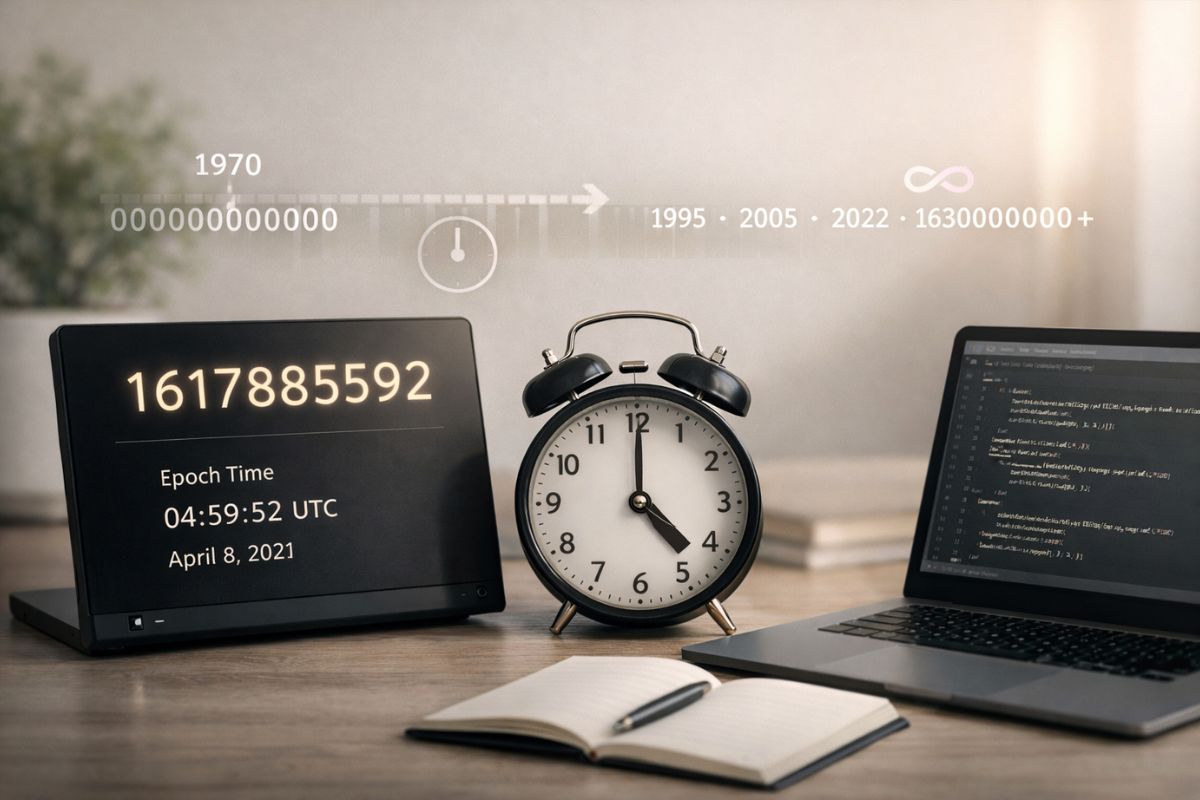
Time sits quietly behind almost everything we do online. Servers talk to each other. Apps sync data. Logs record events. All of this needs a shared way to understand time. That shared language is Unix time. It is simple, numeric, and surprisingly elegant. Once you grasp it, many technical puzzles start to make sense.
Unix time is often called epoch time in documentation and tools. It acts like a universal clock that computers can agree on, no matter where they live or what language they speak. This article breaks it down in plain language and shows how to use it with confidence.
If you build websites, manage servers, analyze data, or stay curious about how systems work, this concept is worth your attention. You do not need to be a programmer to understand it. You just need a few clear explanations and real examples.
Key Points
- Unix time counts seconds from a fixed starting point.
- It avoids time zone confusion.
- It is used across operating systems and programming languages.
- It makes storing and comparing time very fast.
The Core Idea Behind Unix Time
Unix time is a single number. That number represents how many seconds have passed since January 1, 1970 at 00:00:00 UTC. That moment is called the Unix epoch. Everything flows forward from there, one second at a time.
Why 1970. It was not random. Early Unix systems were designed around that era, and engineers needed a reference date that fit within their hardware limits. The choice stuck, and decades later the entire tech world still uses it.
Think of Unix time like a stopwatch that started ticking at the beginning of 1970 and never stopped. Each tick adds one to the number. No months. No leap years. Just seconds.
Why Computers Prefer Numbers Over Calendars
Human calendars are messy. Months have different lengths. Leap years appear. Time zones shift. Daylight saving rules change based on politics. Computers struggle with that chaos.
A single number solves the problem. When time is stored as an integer, computers can compare, sort, and calculate with ease. Smaller numbers come earlier. Larger numbers come later. Nothing else is needed.
This is why databases, operating systems, APIs, and logs rely on Unix timestamps. They are fast. They are compact. They remove ambiguity.
Each dot on that line represents a larger Unix timestamp. The distance between them is measured in seconds. Computers only care about that distance.
Understanding the Number Itself
A Unix timestamp looks intimidating at first. Something like 1704067200 does not feel friendly. Yet it is simply a count.
Here is how to read it mentally.
- Start at January 1, 1970.
- Count seconds forward.
- Stop when you reach the moment you want.
That is all there is to it. The size of the number grows as time moves on. There is no reset.
Seconds, Milliseconds, and Common Confusion
One common trap is units. Traditional Unix time uses seconds. Many modern systems use milliseconds. That adds three extra digits.
For example.
| Format | Example | Meaning |
|---|---|---|
| Seconds | 1704067200 | Standard Unix time |
| Milliseconds | 1704067200000 | Unix time times one thousand |
Mixing these up causes bugs. Dates appear far in the future or deep in the past. Always check the length of the number.
How Time Zones Fit Into the Picture
Unix time ignores time zones. That is a feature, not a flaw. Every timestamp represents the same instant everywhere on Earth.
Your local clock may show morning. Someone else sees night. The Unix timestamp stays identical.
Conversion happens only when displaying time to humans. That step applies local rules and preferences.
Where Unix Timestamps Appear in Real Life
You see Unix time more often than you think. It hides in places most people never look.
- Server logs
- Database records
- Authentication tokens
- Backup systems
Each entry uses a timestamp to keep order. Without it, troubleshooting would feel impossible.
Using Unix Time in Programming
Almost every programming language supports Unix time. The names differ, but the idea stays the same.
Here is a general pattern.
- Get the current timestamp.
- Store it as a number.
- Convert it only when showing it.
This pattern keeps logic clean and predictable.
Sorting and Comparing Dates with Ease
With Unix timestamps, comparing dates becomes trivial. You do not parse strings. You do not check months or years.
You compare numbers.
If timestamp A is smaller than timestamp B, then A happened earlier. That simplicity saves time and reduces errors.
Expiration Times and Countdowns
Tokens expire. Sessions end. Trials run out. Unix time makes these rules easy to enforce.
You store an expiration timestamp. Later, you compare it to the current timestamp. If now is larger, access ends.
Historical Limits and the Year 2038 issue
Older systems stored Unix time as a 32 bit signed integer. That choice created a limit.
On January 19, 2038, those systems will overflow. Time will appear to jump backward.
Modern systems avoid this by using 64 bit integers. The new limit sits billions of years away.
How to Convert Unix Time to Readable Dates
Conversion tools exist everywhere. Browsers. Command lines. Online utilities. Libraries.
The process follows a simple flow.
- Take the timestamp.
- Choose a time zone.
- Format the result.
This step is always for humans. Machines never need it.
Storing Time in Databases
Many databases offer date types. Even then, Unix timestamps remain popular.
They avoid hidden conversions. They travel cleanly between systems. They serialize well in JSON.
For distributed systems, that consistency matters.
Unix Time in APIs and Data Exchange
APIs often return timestamps instead of formatted strings. That choice avoids assumptions.
The client decides how to display the time. The server only reports when something happened.
This separation keeps systems flexible.
Testing and Debugging with Fixed Timestamps
Fixed timestamps make tests repeatable. You freeze time. You simulate events. Results stay consistent.
Without Unix time, tests depend on the clock. That leads to flaky behavior.
Reading Logs like a Pro
Logs often store raw timestamps. Once you understand Unix time, patterns jump out.
You see bursts of activity. You spot delays. You track failures over time.
This skill helps in operations and development alike.
Security and Audit Trails
Security relies on accurate timing. Access logs. File changes. Login attempts.
Unix time provides a neutral record. It does not depend on locale settings or language.
That neutrality supports audits and investigations.
Performance Benefits Worth Noting
Numbers store efficiently. Comparisons cost little. Indexes work well.
Using Unix time can improve performance in high volume systems.
It may look small, but at scale it matters.
Common Mistakes Beginners Make
Mistakes happen. Most follow a pattern.
- Mixing seconds and milliseconds
- Forgetting time zones during display
- Storing formatted strings instead of numbers
Awareness prevents most of these issues.
Teaching Your Brain to Think in Timestamps
At first, Unix time feels abstract. Over time, certain numbers become familiar.
You start recognizing ranges. You estimate dates. It becomes second nature.
This intuition grows with use.
How Unix Time Supports Global Systems
Global apps serve users everywhere. Local time varies. Rules change.
Unix time stays stable. It acts as a common ground.
That stability enables collaboration across borders.
Future Proofing Your Projects
Choosing Unix time today prepares your project for growth. It avoids rewrites later.
It also aligns your system with industry norms.
That alignment reduces friction with third party tools.
Closing Thoughts on Time as Numbers
Unix time strips time down to its core. A steady count of seconds. No frills. No ambiguity.
Once you see its value, you notice it everywhere. Quietly keeping order. Holding systems together.
Understanding it changes how you think about time in technology. That shift pays off again and again.
No Responses